

Your resume is often the first thing a recruiter sees, and it has about six seconds to make an impression. For students and early professionals, that pressure is real, especially when requirements seem to shift constantly. ATS filters, keyword matching, portfolio links, and one-page rules all compete for your attention before you've even written a single bullet point. This guide cuts through the noise. You'll learn exactly what to include, how to prepare your materials, which tools to use, and how to tailor and share your resume so it actually lands interviews. No design experience needed.
Table of Contents
- Understand what makes a great modern resume
- Gather the essential information and materials
- Choose and use the right resume tools and templates
- Customize your resume for every application
- Proof, verify, and showcase your resume (plus portfolio tips)
- Our perspective: Resume building shortcuts and hard truths
- Build your perfect resume and portfolio in minutes
- Frequently asked questions
Key Takeaways
| Point | Details |
|---|---|
| ATS optimization is essential | Your resume must be structured and keyword-rich for applicant tracking systems to read and rank it. |
| Preparation saves time | Gather your info—education, work, and skills—before starting for smoother resume creation. |
| AI tools boost results | Use modern AI resume editors and templates to quickly build custom, professional documents. |
| Customization leads to interviews | Always tailor your resume's language and highlights to each job opportunity. |
| Verify and share with confidence | Carefully proofread and use shareable links or portfolios to demonstrate your accomplishments. |
Understand what makes a great modern resume
Most people think a great resume is about looking polished. That's only half the story. The bigger challenge is making your resume readable by both humans and machines. Most large companies now use ATS (Applicant Tracking Systems), which are software programs that scan resumes for keywords and structure before a human ever sees them. If your resume isn't formatted correctly or lacks the right terms, it gets filtered out automatically.
According to ATS-ready resume best practices, modern resumes must be optimized for Applicant Tracking Systems and tailored for each application. That means clean formatting, standard fonts, and strategic keyword placement matter just as much as your actual experience.
Here's what every strong modern resume includes:
- Contact information: Full name, professional email, phone number, LinkedIn or portfolio URL
- Headline or summary: A 2-3 sentence snapshot of who you are and what you bring
- Education: Degree, institution, graduation year, and relevant coursework
- Experience: Jobs, internships, and volunteer roles with measurable achievements
- Skills: Both technical and soft skills, matched to your target roles
- Optional sections: Projects, certifications, languages, or portfolio links
The table below shows how a traditional resume compares to a modern, ATS-friendly one:
| Feature | Traditional resume | Modern ATS resume |
|---|---|---|
| Format | Creative, graphic-heavy | Clean, structured, plain text-friendly |
| Keywords | Generic job titles | Role-specific terms from job postings |
| Length | Often 2+ pages | Typically 1 page for early professionals |
| Sections | Fixed, standard | Flexible, tailored per application |
| Sharing | PDF only | PDF plus shareable link |
Pro Tip: Stick to standard section headings like "Experience" and "Education" rather than creative labels like "My Journey." ATS systems often fail to recognize non-standard headings, which means your content gets missed.
For a closer look at how general resume principles translate into real layouts, or to see clean minimal resume examples that balance readability with ATS compliance, it helps to study working templates before you start writing.
Gather the essential information and materials
Before you open any tool or template, you need to gather your raw materials. Skipping this step is one of the most common mistakes early applicants make. They start building before they know what they have, and the result is a resume full of vague descriptions and missed achievements.

Preparing all relevant data saves time and ensures ATS-friendly accuracy. Think of this phase as building your personal inventory. You're not writing yet, just collecting.
Here's what to pull together:
- Academic background: Degrees, majors, minors, GPA if above 3.5, relevant coursework, honors, and awards
- Work and internship history: Job titles, company names, dates, and specific accomplishments (use numbers where possible)
- Volunteer and extracurricular activities: Leadership roles, event coordination, team contributions
- Certifications and training: Online courses, bootcamps, industry certifications
- Technical skills: Software, programming languages, tools, platforms
- Soft skills: Communication, teamwork, problem-solving (only include ones you can back up)
- Languages: Proficiency level for each
Use this table to organize your experience before building:
| Category | What to include | Example |
|---|---|---|
| Education | Degree, school, year | B.S. Marketing, State University, 2025 |
| Experience | Role, org, dates, result | Intern, ABC Co., increased traffic 20% |
| Skills | Tools and technologies | Excel, Python, Canva, Salesforce |
| Certifications | Name, issuer, year | Google Analytics, Google, 2024 |
Pro Tip: Quantify everything you can. "Managed social media" is weak. "Grew Instagram following by 40% in three months" is strong. Numbers make your experience concrete and memorable to both ATS systems and recruiters.
Once you have your inventory, building the actual education and experience sections becomes much faster. You'll also find it easier to start customizing a resume for specific roles when your raw data is already organized.
Choose and use the right resume tools and templates
With your information ready, the next decision is choosing the right tool. Not all resume builders are equal, and the difference between them can mean hours of frustration or a polished draft in minutes.
There are three main categories of resume tools:
- Manual (Word or Google Docs): Full control, but formatting breaks easily and there's no ATS guidance built in.
- Template-based builders: Faster than manual, but many use graphics or columns that confuse ATS scanners.
- AI-powered editors: The fastest option, with built-in ATS optimization, content suggestions, and role-specific templates.
AI-powered resume editors allow fast, ATS-optimized creation with no design experience needed. For students and early professionals who don't have hours to spend formatting, this is the most practical choice.
Here's a comparison of the three approaches:
| Tool type | Speed | ATS compatibility | Customization | Skill needed |
|---|---|---|---|---|
| Manual (Word) | Slow | Low to medium | High | Formatting skills |
| Template builder | Medium | Medium | Medium | Minimal |
| AI-powered editor | Fast | High | High | None |
To get started with an AI-powered tool, follow these steps:
- Choose a template that fits your field. Browse ATS-ready resume templates to find options built for your industry or role.
- Input your prepared data into the relevant fields.
- Use AI suggestions to improve phrasing and add missing keywords.
- Preview the output and adjust section order based on your strongest qualifications.
- Export as a PDF and save a shareable link for digital applications.
Pro Tip: If you're applying for client-facing roles, check out client-facing resume samples for layout ideas that balance professionalism with personality.
Customize your resume for every application
One resume does not fit all jobs. This is the rule that most first-time applicants break, and it costs them interviews. Sending the same document to every employer signals that you didn't read the job description, and ATS systems will often confirm that suspicion by ranking your resume lower.
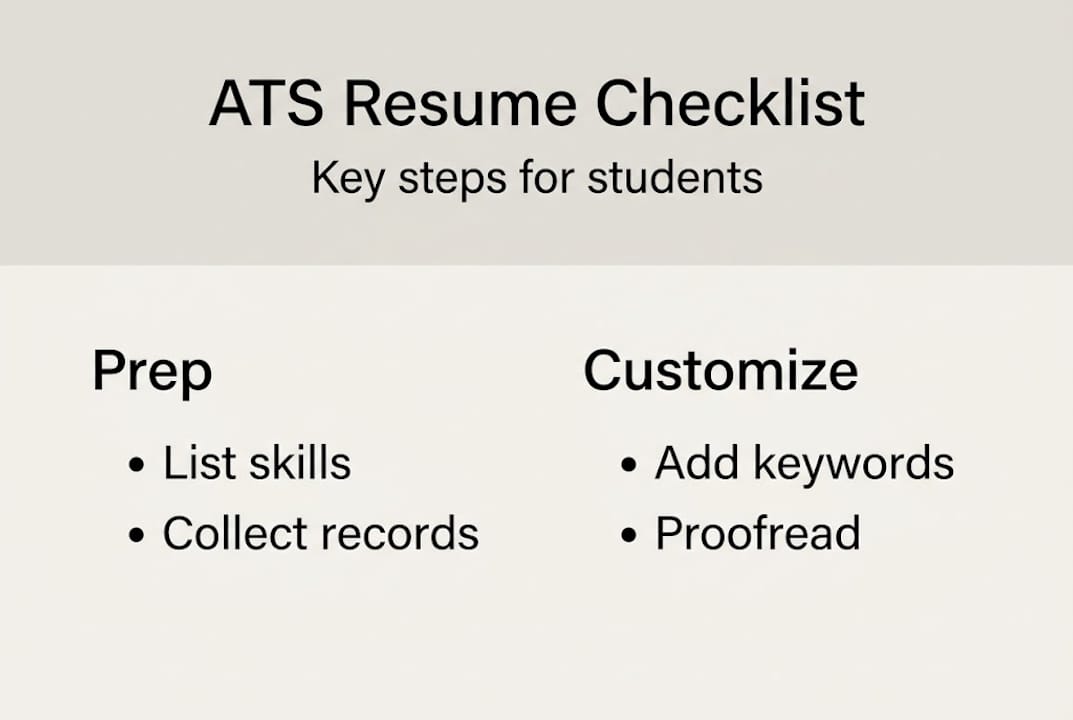
Tailoring your resume for each job increases your chances of passing ATS filters and impressing recruiters. The goal is to mirror the language of the job posting without copying it word for word.
Here's how to do it efficiently:
- Read the job description carefully and highlight repeated keywords, required skills, and specific tools mentioned.
- Replace generic phrases in your resume with the exact language used in the posting.
- Move your most relevant experience to the top of each section.
- Adjust your headline or summary to reflect the specific role you're targeting.
- Add or remove optional sections based on what the employer values most.
Follow this process for every application:
- Copy the job description into a separate document.
- Highlight every skill, tool, and qualification mentioned.
- Check your resume against the list and add any missing terms you genuinely have.
- Reorder bullet points so the most relevant achievements appear first.
- Update your summary to name the role and company directly.
Pro Tip: Keep a "master resume" with every experience and skill you've ever had. When applying for a new role, copy from the master and trim it down. This saves time and ensures you never forget a relevant detail.
For visual inspiration on role-specific formatting, explore tailored resume examples or review client-facing customization options that show how layout shifts by industry.
Proof, verify, and showcase your resume (plus portfolio tips)
A great resume with a typo is still a flawed resume. Errors signal carelessness, and for competitive roles, that's enough to get filtered out. Verification is not optional.
Sharing a verified, portfolio-enhanced resume increases credibility and networking reach. But before you share anything, review it thoroughly.
Use this checklist:
- Read every line out loud to catch awkward phrasing
- Check all dates, job titles, and company names for accuracy
- Confirm your contact information is correct and professional
- Verify that links (LinkedIn, portfolio, GitHub) actually work
- Look for inconsistent formatting: font sizes, bullet styles, spacing
- Ask a peer, mentor, or career advisor to review it with fresh eyes
Here's how different review methods compare:
| Review method | Best for | Time needed |
|---|---|---|
| Self-review | Catching obvious errors | 15 to 20 minutes |
| Peer review | Clarity and tone | 30 minutes |
| Mentor review | Industry relevance | 1 to 2 hours |
| AI grammar tool | Grammar and spelling | 5 to 10 minutes |
Portfolios are your secret weapon. A resume tells employers what you've done. A portfolio shows them. For students and early professionals, even a small collection of class projects, freelance work, or personal builds can make a strong impression.
For strong layout ideas, review Blueprint portfolio tips to see how to present work samples alongside your resume in a way that's clean and shareable.
Pro Tip: Use a shareable link to your portfolio instead of attaching large files. It's cleaner, easier to track, and works across all devices including mobile.
Our perspective: Resume building shortcuts and hard truths
Here's something most resume guides won't tell you: length is a trap. First-time applicants obsess over filling space, adding padding, and stretching a six-month internship into half a page. Recruiters see through it immediately. A focused, one-page resume that speaks directly to the role will outperform a two-page document full of filler every time.
The other myth worth addressing is that using AI tools is somehow cheating. It isn't. Professionals who leverage smarter resume templates spend less time formatting and more time personalizing, which is exactly what gets responses. Quality customization beats generic resumes, and smart use of technology wins interviews.
Personalization is non-negotiable. A generic CV rarely makes it past the first filter, human or automated. The applicants who get callbacks are the ones who treated each application as its own project, matched the language, led with relevant experience, and showed they actually read the job description. That discipline, combined with the right tools, is what separates a resume that gets ignored from one that opens doors.
Build your perfect resume and portfolio in minutes
You now have everything you need to build a resume that works. The process is clear: know what makes a strong resume, gather your materials, pick the right tools, tailor for every application, and verify before you share.
Prezumi makes every step faster. With AI-powered resume templates built for ATS compatibility, a smart AI resume editor that suggests improvements as you type, and AI portfolio templates that let you showcase real work alongside your resume, you can go from blank page to recruiter-ready in under five minutes. No design skills, no guesswork, no wasted time. Start building today and give your next application the best possible shot.
Frequently asked questions
What does ATS-optimized mean, and why does it matter?
ATS-ready templates increase your resume's visibility to employers by ensuring the right format and keywords are in place. ATS-optimized resumes use specific structures and role-relevant terms so the software can properly scan, rank, and forward your application to a hiring manager.
How do I tailor my resume for different jobs?
Customizing your resume increases your interview chances by aligning your language with what each employer is actually looking for. Update your skills, experience descriptions, and summary to reflect the keywords and priorities in each specific job posting.
Do I need a portfolio in addition to my resume?
Portfolios allow you to demonstrate skills and projects directly, giving employers proof beyond bullet points. For students and early professionals especially, even a small portfolio of real work can set you apart from equally qualified candidates.
What are common mistakes to avoid on my resume?
Attention to detail and customization reduce resume rejection significantly. Avoid generic language, factual errors, cluttered formatting, and sending the same version of your resume to every job without adjusting it.
Can I use the same template across industries?
Resume templates are flexible, but content must fit the application. Use the same template structure if you like, but always adjust the sections, language, and highlighted skills to match the expectations of each specific industry.