

Getting a recruiter's attention is harder than it sounds. Recruiters scan portfolios in just 6 to 10 seconds, and tailored applications generate twice as many interviews as generic ones. That gap is enormous, and it comes down to one decision more than any other: the portfolio template you choose. This article walks you through the key criteria for evaluating templates, the main types available today, a direct comparison by career stage, and a step-by-step guide to customizing whatever you pick for maximum recruiter impact.
Table of Contents
- What makes a portfolio template stand out?
- Popular types of portfolio templates
- Comparing portfolio template types: Which is best for your career stage?
- How to choose and customize your portfolio template
- Our unique perspective on portfolio templates
- Build your standout portfolio in minutes with AI
- Frequently asked questions
Key Takeaways
| Point | Details |
|---|---|
| Prioritize strong projects | Showcase 3-5 impactful cases rather than many weaker ones. |
| Choose ATS-friendly formats | PDF and Notion templates speed up job applications and increase visibility. |
| Tailor each application | Customizing portfolio case studies doubles interview rates compared to generic submissions. |
| Visuals vs. impact | Process and quantifiable results matter more than visual design for most recruiters. |
| Use analytics for improvement | Tracking portfolio analytics helps you refine content and boost recruiter engagement. |
What makes a portfolio template stand out?
Before you scroll through a template gallery and pick whichever one looks the prettiest, stop. Visual appeal matters far less than you think. The real criteria that separate a portfolio that gets callbacks from one that gets ignored are structural, strategic, and data-driven.
Here is what you should evaluate in any template before committing to it:
- Project depth: Does the template give you space to explain your process, not just show a final image or bullet point?
- Quantifiable impact: Can you clearly display numbers, percentages, and outcomes alongside each project?
- Visual clarity: Is the layout easy to scan in under 10 seconds? Recruiters are fast, and clutter costs you.
- Shareability: Does the format work as a PDF, a live website link, and a Notion page? Flexibility is underrated.
- Analytics integration: Can you track who viewed your portfolio, how long they stayed, and where they dropped off?
- ATS compatibility: If you're applying through job boards or company portals, does the template survive applicant tracking system parsing?
Hiring data backs this up strongly. Metrics in project cases boost interview chances by up to 2.3 times, and recruiters consistently value demonstrated problem-solving over polished visuals. Meanwhile, research into what top companies actually hire for shows that process depth outperforms visual impressiveness in tech and business hiring contexts.
Experts across hiring and design fields recommend including 3 to 5 strong, well-articulated projects rather than 10 shallow ones. Student projects count just as much as client work, provided they're framed with context, problem statements, and measurable outcomes.
When choosing website templates or any other format, prioritize structure and storytelling ability over decorative elements. A clean, readable template that lets your work breathe will always outperform a flashy one that buries your best results.
Pro Tip: Tailor your case studies for every application. Copy-paste portfolios send a signal that you didn't care enough to customize. Even changing one section to reflect the company's specific challenge makes a measurable difference.
If ATS compatibility is a concern for your industry, start with ATS-friendly portfolio templates designed to pass automated screening without sacrificing visual quality.
Popular types of portfolio templates
Now that you understand what makes a template worth using, let's look at the major categories available. Each type has distinct strengths depending on your field, experience level, and the type of companies you're targeting.
Web-based portfolio templates are interactive, easily updated, and trackable. You can embed videos, links, and live project demos. They're ideal if you're applying to roles where a hiring manager will actively browse your work before an interview. The downside is they require a bit more setup and may not be parsed well by ATS software if you send the URL through an automated portal.
PDF and ATS-friendly templates are the workhorse of job applications. They load fast, display consistently across devices, and move cleanly through applicant tracking systems. PDF and Notion portfolios excel for quick job applications, while websites showcase deeper skillsets and allow analytics tracking. If you're mass applying or working in industries with formal HR processes, this format gives you reliability.
Notion portfolios are surprisingly powerful for students and early-career professionals. They're free, fast to set up, and easy to update in real time. You can build a Notion portfolio in a few hours, share it with a single link, and keep it live indefinitely. The collaborative nature of Notion also makes it easy to get feedback from peers or mentors before sending it out.
Visual and creative templates are built for roles in graphic design, photography, illustration, UX, and brand strategy. They prioritize large images, strong typography, and layout creativity. These templates let your aesthetic sensibility speak for itself. However, they tend to underperform in tech or business contexts where decision-makers want to see logic and measurable results more than style.

Process-driven and impact templates are the most underused format among students. These templates structure each project around a problem, an approach, and an outcome. They're preferred by product managers, consultants, engineers, and business analysts. Student projects can outperform client work when they're articulated properly with this kind of structure.
Here's a quick guide to matching template type to your situation:
- Just graduated and applying to entry-level roles: Start with PDF/ATS, supplement with a simple web portfolio.
- Applying to design, media, or creative agencies: Go visual first, include a web-based portfolio with a PDF version.
- Targeting product, strategy, or consulting roles: Build a process-driven template centered on case studies.
- Freelancing or building a client base: Use a Notion page for fast sharing and link it to a deeper web portfolio.
- Applying internationally or to large corporations: Prioritize ATS-optimized PDF formats above everything else.
For freelancers and independent professionals, consultant portfolio solutions can help you organize impactful work samples quickly. If you're aiming for something richer in narrative structure, depth-driven templates give you the layout flexibility to tell each project's story fully.
Pro Tip: Use Notion to build a fast-turnaround portfolio for immediate applications, then link to a more polished web portfolio for deeper exploration. This two-layer approach covers speed and substance without sacrificing either.
When organizing impactful portfolios, the goal is always to make the recruiter's job easier, not to show everything you've ever made.
Comparing portfolio template types: Which is best for your career stage?
Let's put the template types side by side so you can make a fast, informed decision.
| Template type | Best for | ATS-friendly | Easy to update | Analytics | Recruiter impact |
|---|---|---|---|---|---|
| Web-based | All stages, especially tech and creative | Moderate | Yes | Yes | High |
| All stages, especially formal applications | Yes | No | No | High (for ATS) | |
| Notion | Students, early-career | Moderate | Yes | Limited | Medium |
| Visual/creative | Design and media roles | No | Moderate | Limited | High (creative only) |
| Process-driven | Tech, product, consulting | Moderate | Yes | Limited | Very high |
The data is clear: tailored portfolios get 6 interviews per 100 applications compared to just 3 for generic submissions. That's double the interview rate from a single change in how you present your work.
"Tailored templates double interview rates. Choose depth and relevance over volume."
For creative industry applicants, visual design portfolios can make a powerful first impression. But don't stop there. Even in creative roles, process and metrics win in tech and business, and student projects can shine brilliantly when supported by strong case studies.
Here's a breakdown by career stage:
- Current students: Focus on process-driven or Notion templates. Frame class projects with real problem statements and measurable goals.
- Recent graduates: Combine a polished PDF with a live web link. Show 3 to 5 projects with clear impact metrics.
- Career changers: Use a process template to reframe past experience in terms of transferable skills and outcomes.
- Early-career professionals (1 to 3 years): Prioritize web-based or process-driven templates. Show growth from project to project.
If you want to experiment with bolder, more dynamic layouts, check out the terminal template guide for an unconventional approach that still communicates substance. For AI-assisted building and editing, the AI-powered portfolio editor at Prezumi lets you iterate quickly without touching design software.
The matrix template overview is particularly useful for professionals who want to showcase a wide range of skills in a structured grid format without overwhelming the reader.
How to choose and customize your portfolio template
Choosing a template is only the first step. Customization is where most students and early-career applicants lose their edge. Here's a practical approach to getting it right.
Step 1: Assess the job requirements. Read the job description carefully. Does the company care about design, engineering, strategy, or client relationships? Your template choice should reflect their priorities, not your personal preferences.
Step 2: Choose a format that fits recruiter behavior. Are you applying through a corporate ATS portal? Use a PDF. Is the recruiter asking for a portfolio link in an email? Use a web-based template. Is this a fast startup application? A polished Notion page is fine.
Step 3: Select 3 to 5 projects. Quality beats quantity every single time. Each project should have a clear problem statement, your specific role, the approach you took, and the result you achieved. Numbers are non-negotiable. Even rough estimates ("reduced turnaround by approximately 30%") are better than vague claims.
Step 4: Optimize the layout for ATS. Applicant tracking systems prioritize structured layouts, which means ATS-friendly PDFs and Notion templates are often the safest bet for formal job applications. Avoid tables, text boxes, or graphics that contain critical information in non-readable formats.
Step 5: Track performance and iterate. This is the step almost no one takes, and it's the one that separates good portfolios from great ones. Portfolio analytics like bounce rates reveal whether recruiters are actually reading your work or leaving after the first section. Use that data to restructure, rewrite, and retest.
Step 6: Get feedback before you send. Test your portfolio's readability with peers, professors, or mentors. Ask them to spend 10 seconds on it and then tell you what they remember. If they can't recall your top skill or best project, the layout isn't working.
Recruiters spend only 6 to 10 seconds on initial review. That means your name, your primary skill or role, and your strongest project outcome all need to be visible above the fold, no scrolling required.
Pro Tip: Use customizing with AI editor to rapidly generate and adjust portfolio content for different job applications without rebuilding from scratch each time. This keeps your turnaround fast and your personalization high.
Our unique perspective on portfolio templates
Here's what most portfolio advice gets wrong: it overweights visual design and underweights narrative clarity. The internet is full of "10 beautiful portfolio examples" articles that show you stunning layouts and zero guidance on what made those portfolios actually work.
The uncomfortable truth is that a recruiter at a product company or consulting firm doesn't linger on your color palette. They scan your problem statement. They look for whether you can articulate impact. They ask, "Did this person solve something, and can they explain how?"
Many early-career applicants spend 80% of their portfolio effort on design and 20% on content. That ratio should be reversed. A plain, structured template with sharp case studies, specific metrics, and a clear narrative arc will consistently outperform a visually stunning portfolio that says nothing concrete.
Analytics is the other neglected lever. Most students build a portfolio, share the link, and never check whether anyone actually read past the first section. Web-based portfolios that track visitor behavior give you actionable feedback. If your bounce rate is high, the opening isn't compelling enough. If visitors spend time on page one and disappear before page two, your project descriptions need tightening.
Customization for ATS is equally overlooked. Many applicants assume their portfolio is only ever seen by human eyes. In larger organizations, that's not true. The blueprint template insights from Prezumi show how structured, keyword-rich layouts can pass automated screening and still read beautifully to human reviewers.
"Depth beats dazzle: Stand out by articulating impact and problem-solving."
Invest time in writing the story behind each project. Where did the problem come from? What constraints did you face? What would you do differently? That level of honesty and reflection signals maturity to any experienced hiring manager.
Build your standout portfolio in minutes with AI
The research is clear, and so is the path forward. Your portfolio needs structure, metrics, and tailoring to make a real impact on your job search.
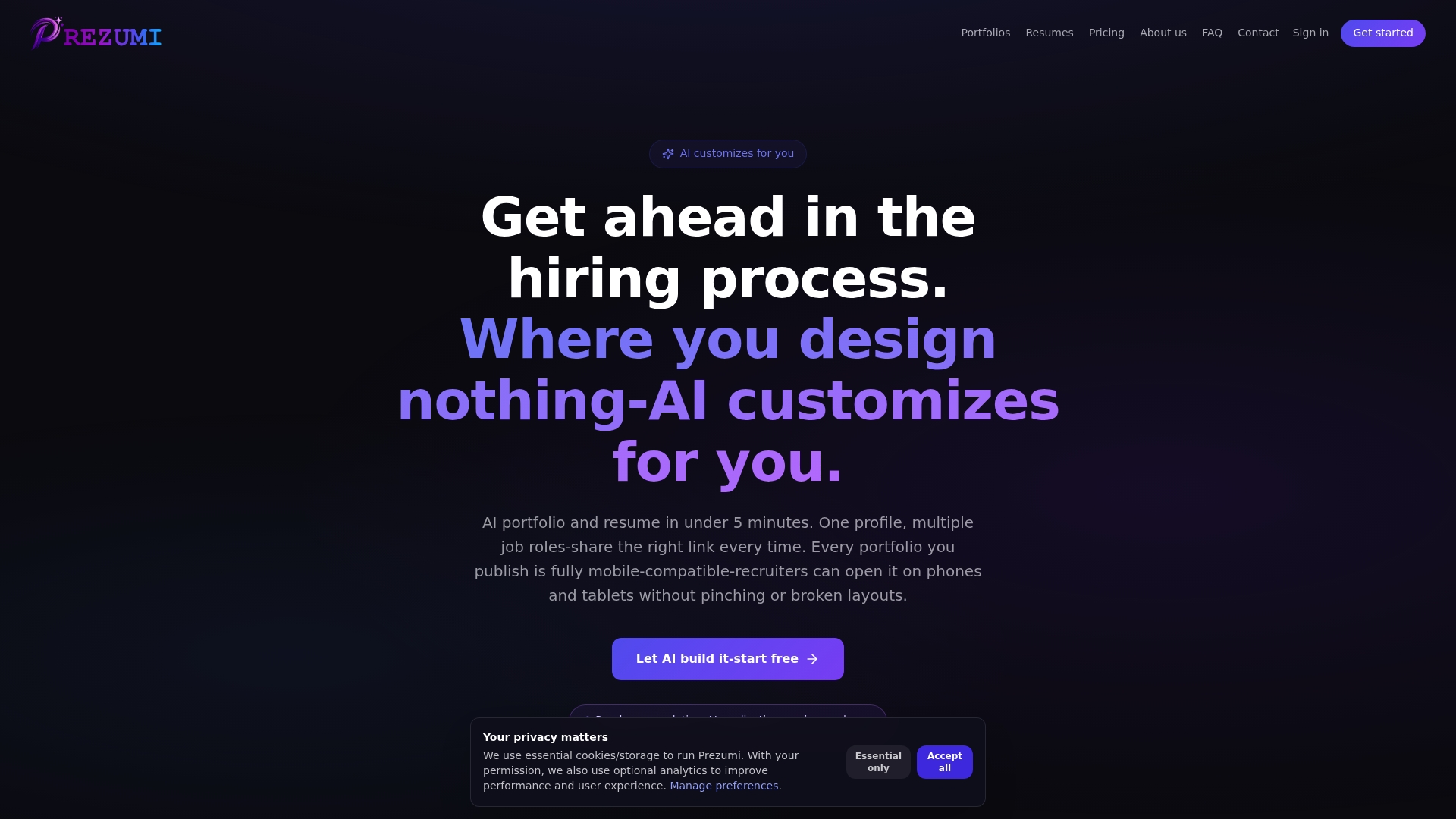
Prezumi makes that process fast and friction-free. With no-code portfolio templates designed for students and early-career professionals, you can choose from ATS-ready formats, visual layouts, and process-driven structures all from a single platform. Every template is customizable without design experience, mobile-compatible, and optimized for recruiter behavior. The AI-powered customization feature lets you tailor your case studies, rewrite project descriptions for specific roles, and generate polished portfolio content in minutes. You spend your energy on the applications themselves, not on wrestling with layout tools. Launch your recruiter-ready portfolio in under five minutes.
Frequently asked questions
What is the best portfolio template format for job applications?
PDF and Notion excel for quick shares, while websites showcase deeper skillsets and allow analytics tracking, so the best format depends on your application method and the role type.
How many projects should I include in my portfolio?
3 to 5 strong projects consistently outperform larger collections because quality and quantifiable impact matter far more than volume.
Do student projects count in a professional portfolio?
Absolutely. Student projects can outperform client work when they're supported by clear problem framing, documented process, and measurable outcomes.
How can I track if recruiters view my portfolio?
Use a web-based portfolio with built-in analytics to track bounce rates and visitor activity, then iterate on weak sections based on actual engagement data.
What features should AI portfolio templates include?
Prioritize structured layouts with ATS compatibility, along with built-in metrics display, rapid customization options, and clear section hierarchy that survives both automated and human review.